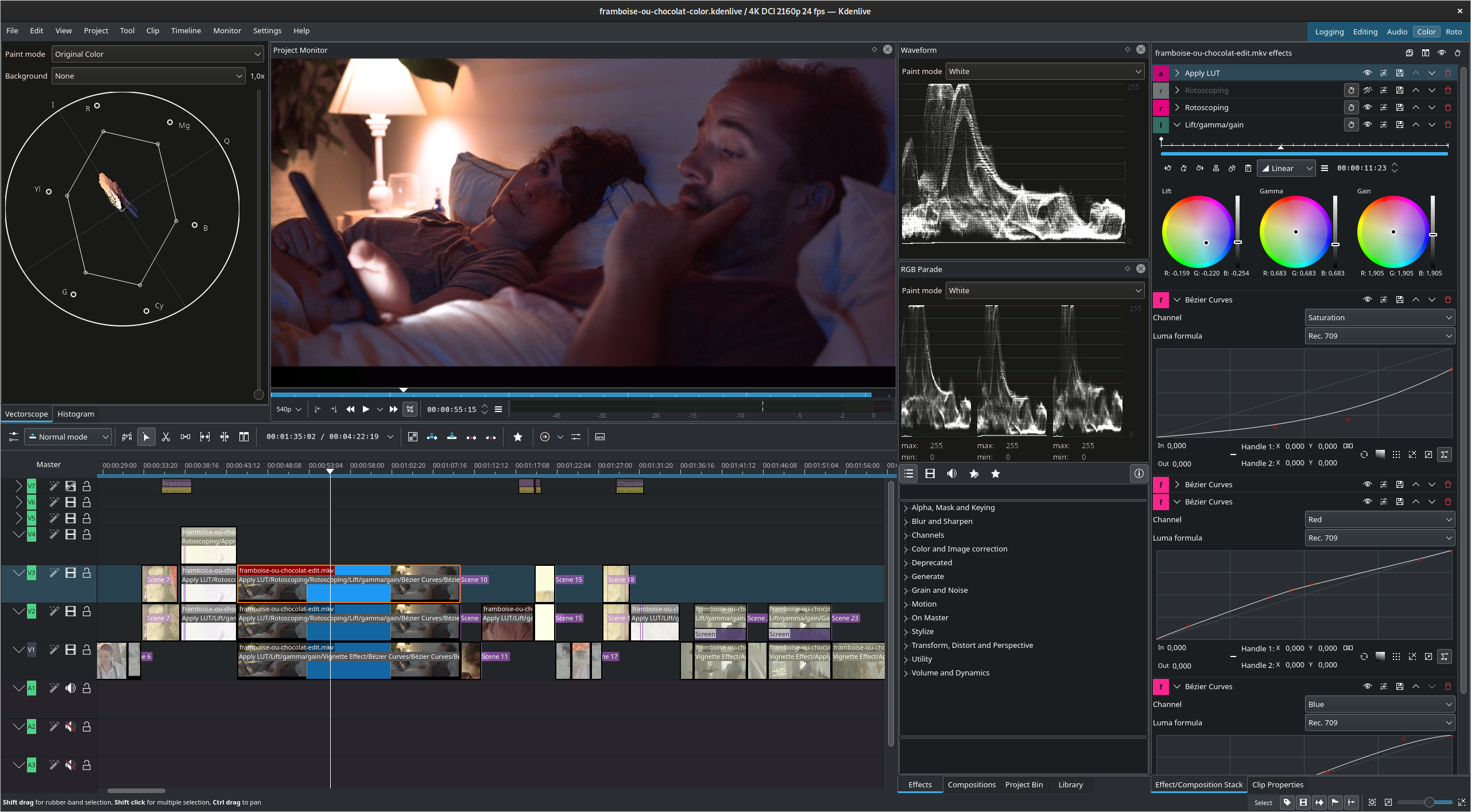
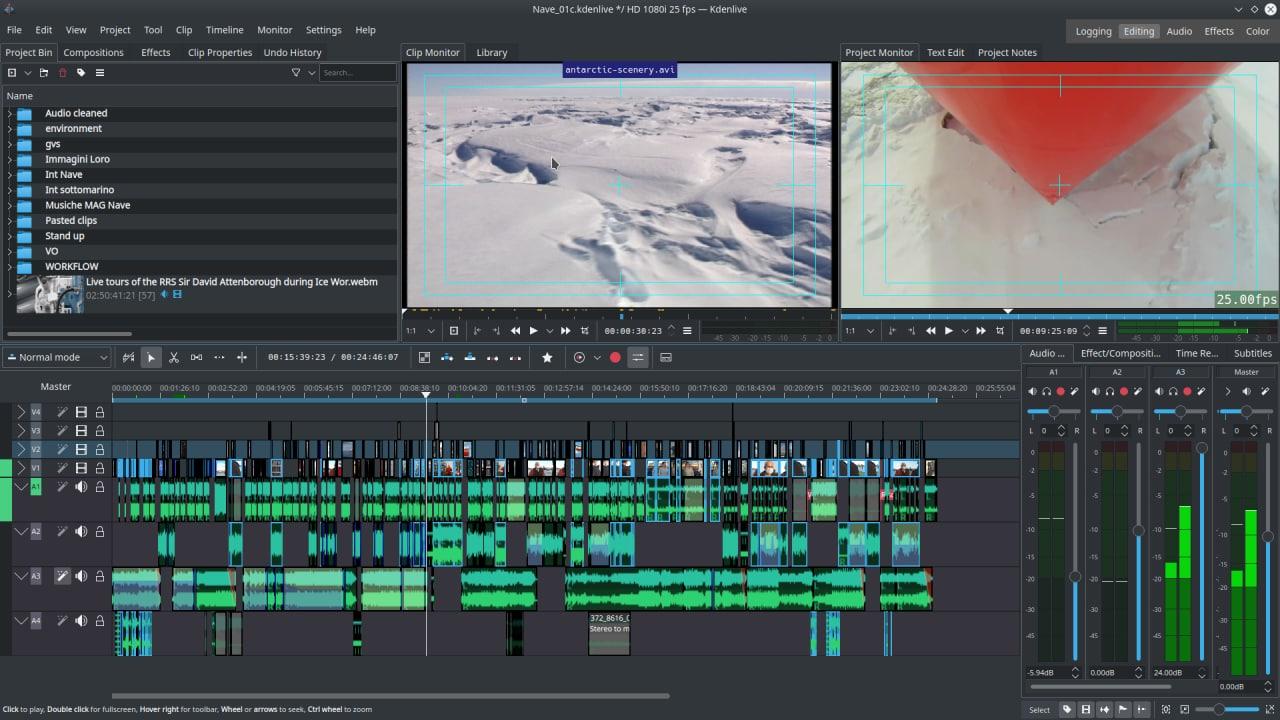
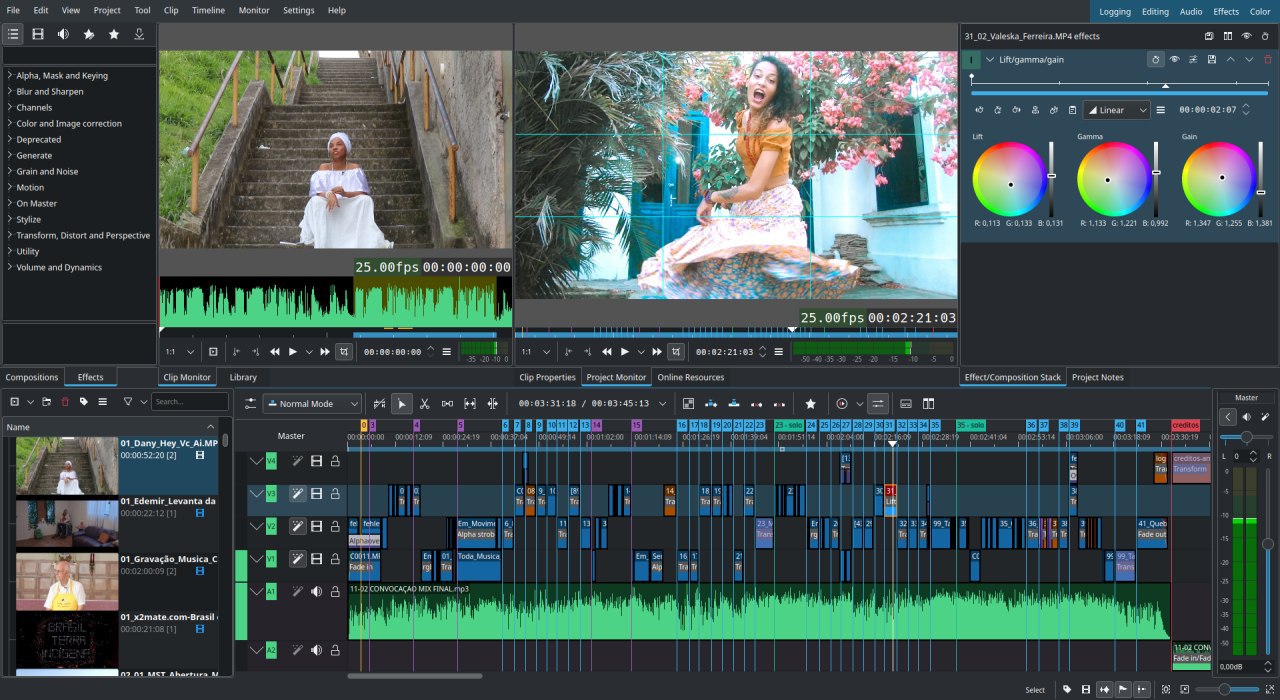
Welcome to Kdenlive — a free and open-source video editor for GNU/Linux and FreeBSD
Kdenlive is an intuitive and powerful multi-track video editor, including most recent video technologies. Our software is completely free, as defined by the GNU foundation. Using Kdenlive is investing in a community driven project, which aims to establish relationships between people in order to built the best video tools. Learn more about Kdenlive...
Latest version is Kdenlive 0.9.6, released in april 2013, see announcement and info page.
By j-b-m, 04/07/2013 - 07:49, updated 6 weeks 2 days ago
We are happy to announce the immediate release of Kdenlive 0.9.6.
This version fixes several bugs and crashes, including a very annoying bug that caused project files to seem corrupted. All users are strongly encouraged to upgrade.
You will find detailled infos about the changes in this release on our Kdenlive 0.9.6 info page.
The source code can be downloaded from the KDE servers, there are 2 available tarballs, since we decided to also distribute Kdenlive with its user manual:
Packages for your distributions should hopefully be available soon.
It is recommended to use the latest version of the MLT framework (0.8.8) to get the recent bugfixes and improvements.
As usual, a big thank you to all those who helped us make this release better by giving us feedback and investigating the bugs they found.
You can check the Kdenlive online manual and forums for documentation and help.
By j-b-m, 01/28/2013 - 20:03, updated 16 weeks 1 day ago
We are finally releasing version 0.9.4 of the Kdenlive video editor after several delays.
This version fixes several bugs and crashes, all users are encouraged to upgrade. The source code can be downloaded from the KDE servers, packages for your distributions should hopefully be available soon. It is also recommended to use the latest version of the MLT framework (0.8.8) to get the recent bugfixes and improvements.
Our efforts will now concentrate on merging the refactoring work started by Till Theato (as a result of our fundraising campain) , and cleaning the codebase to make it easier to evolve and integrate the future developments in the MLT video framework.
As usual, a big thank you to all those who helped us make this release better by giving us feedback and investigating the bugs they found.
You can check the Kdenlive online manual and forums for documentation and help.
By j-b-m, 11/09/2012 - 15:23, updated 10 weeks 4 days ago
We are finally preparing the new Kdenlive release that should be out in 10 days (on the 19th of November). Many people are wondering what happened with our successful fundraising, so here is a first update: as it was clearly stated, the fundraising's goal was to clean up Kdenlive's base code. This will not produce immediate benefit for the user, but rather help us for future developments. The result of this refactoring has not yet been merged in Kdenlive's main tree, work will start after this release.
The last months were spent fixing important bugs that were discovered in Kdenlive 0.9.2 and also new issues that happened due to recent fixes in the video framework (MLT) that we use. Several small UI improvements and new features were also introduced as you will discover below. Users that want to help us can try the current development version (see our instructions for testing current development version) to give us feedback before the 19th of November release.
Here are some of the enhancements that will be available in next release:
Rewritten DVD Wizard
The DVD Wizard was mostly rewritten, now allowing 16:9 menus. It now also autodetects the format of your videos and proposes a trandcoding if it is necessary. In fact, you can now drop any video in the Wizard and just click transcode to get it in the correct DVD format.
DVD menus were also broken in the past versions, this should be fixed. While the menu creation remains very basic, you can now add a shadow to the menu's texts to make them look nicer.
Improved clip markers
The clip markers (comments that can be added and used for seeking in the clip) have been improved. You can now have several categories that show up in different colors. Markers can also now be imported and exported, and are compatible with Audacity's format.
Clip analysis feature
An exciting new feature is also introduced in this version: clip analysis. In short, we can have some MLT effects that analyse the clip and store the result for further use. The first usable cases are: automatic scene detection: Kdenlive can now parse your clips to find the different scenes and add markers or cut the clip accordingly. The process is currently very slow but it's a start. Improved motion tracking: Kdenlive can also now analyse an object's motion, and the result of this can be used as keyframes for a transition or an effect. For example, you can now have a title clip that follows an object (see small video demo below).
Of course, we also benefit from the fantastic work of developers working on FFmpeg, Frei0r and MLT (among others) that make all the video processing behind Kdenlive possible.
Don't hesitate to post feedback in our forums / bugtracker in the next 10 days so that we can make this release even better.
For the Kdenlive team, Jean-Baptiste Mardelle
By j-b-m, 05/30/2012 - 23:36, updated 40 weeks 1 day ago
The 0.9.2 version of Kdenlive has been released, the source package is now available from the KDE servers.
This new release fixes the most important regressions found in the 0.9 version as well as a few other issues.
The crashes in the stop motion widget and composite transition are fixed, slideshows and firewire capture work again. For a full changelog, check our Kdenlive 0.9.2 info page.
All users are encouraged to upgrade and report problems, we will prepare another bugfix release in a few weeks.